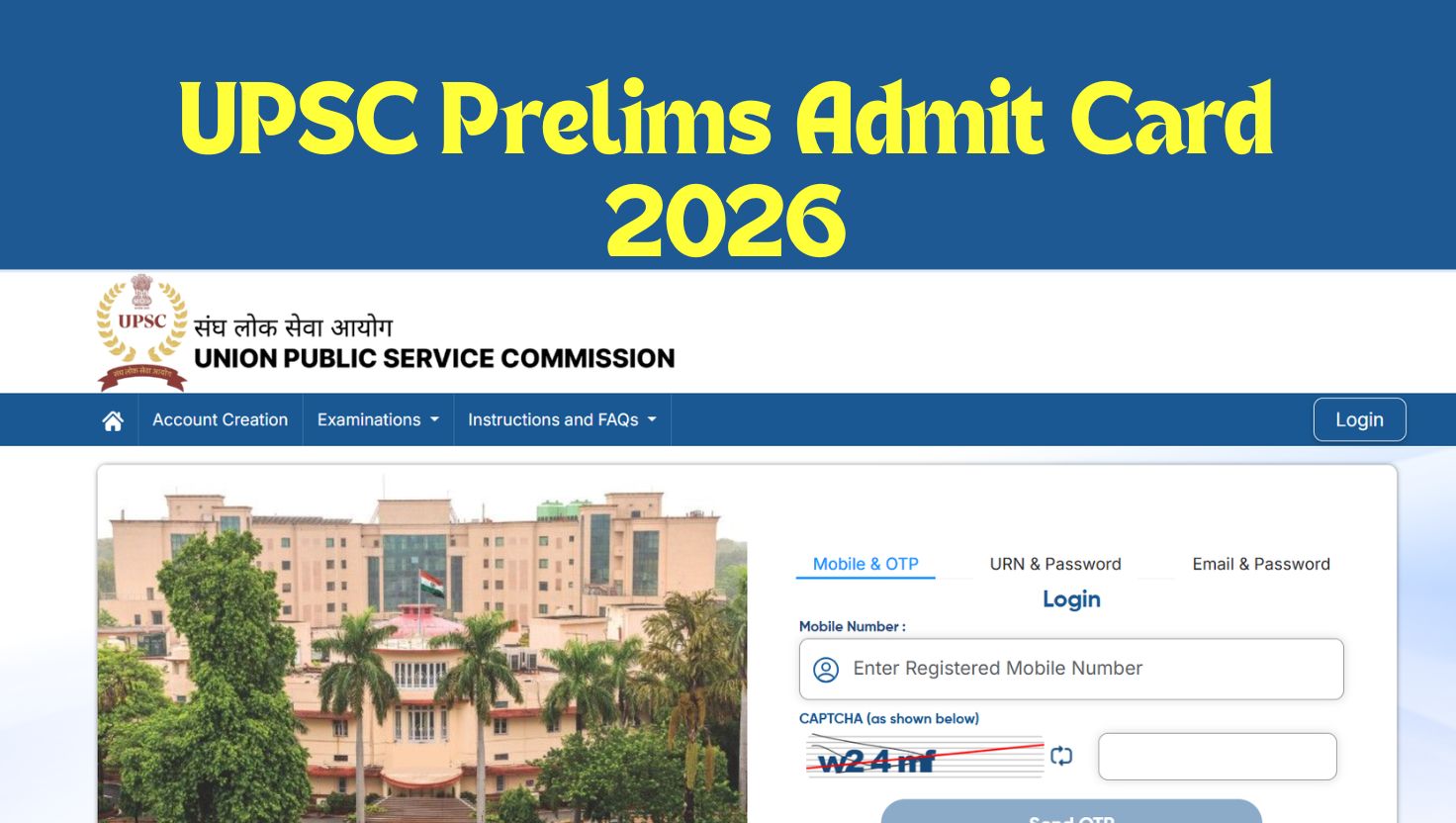
UPSC Prelims Admit Card 2026 Out, The Union Public Service Commission (UPSC) is all set to conduct the Civil Services (Preliminary) Examination for all those candidates who have applied successfully for 933 vacancies. The prelims admit card carrying all the exam essential details for the prelims exam will be released today, i.e., on 15th May 2026. Candidates must download and carry a printout of their admit card to their exam centres, as it is an entry pass for candidates without which no entry will be allowed.
UPSC Admit Card 2026 Release Date
The UPSC Civil Services (Preliminary) Examination 2026 is scheduled to be conducted on 24th May 2026, and candidates who will be appearing for the exam can download their UPSC Admit Card 2026 from the Union Public Service Commission official website www.upsc.gov.in. Candidates can download their admit cards by using the login details, i.e., registration ID/roll number and date of birth.
| Events | Dates |
| Admit Card Release Date | 15th May 2026 |
| Last Date to Download Admit Card | 24th May 2026 |
| Exam Date | 24th May 2026 |
UPSC Prelims Exam 2026- Overview
| Organisation | Union Public Service Commission (UPSC) |
| Exam Name | Civil Services (Preliminary) Examination, 2026 |
| Exam Level | National |
| Vacancy | 933 |
| Mode of Admit Card | Online |
| Login Credentials Required | Registration IDRoll Number |
| Exam Stages | Prelims, Main Exam, Interview |
| Exam Frequency | Once a year |
| Official Website | www.upsc.gov.in |
UPSC CSE Prelims Exam Schedule 2026
The UPSC CSE Prelims Exam 2026 will be held on a single day, 24th May 2026. The morning shift for the General Studies exam will be held from 9:30 am to 11:30 am, and the Afternoon session for CSAT will be held from 2:30 pm to 4:30 pm.
| Papers | Exam Starts | Exam Ends |
| Paper 1 | 9:30 am | 11:30 am |
| Paper 2 | 2:30 pm | 4:30 pm |
UPSC Prelims Admit Card 2026 Download Link
The link to download the UPSC Admit Card 2026 for the prelims exam will be activated today, i.e., on 11th May 2026 at their official website www.upsc.gov.in. To make the downloading easy for the candidates, we will also provide a direct link below to download the admit card once it is released by the officials.
How to Download UPSC Prelims Admit Card 2026?
Candidates who will be appearing for the prelims exam can download their admit card by using following details;
- Registration ID
- Roll Number
How to Download UPSC CSE Admit Card 2026
The process to download the admit card is simple. Here’s a step-by-step guide:
- Visit the official website of UPSC, i.e., www.upsc.gov.in.
- Open the “E-Admit Cards” section.
- Click on the UPSC Civil Services Preliminary Examination 2026 admit card link.
- Read all the instructions carefully and click on “Yes” to continue.
- Select any one login option:
(i) Registration ID
(ii) Roll Number - Enter your Date of Birth and captcha code correctly.
- Click on the “Submit” button.
- Download the admit card PDF and save it for future reference.
- Take a clear printout of the admit card on A4-size paper for the examination day.
Important Links
| UPSC CSE Admit Card 2026 | NOTICE |
| UPSC CSE Admit Card 2026 | ADMIT CARD LINK-1 |
| UPSC CSE Admit Card 2026 | ADMIT CARD LINK-2 |